bbdbuy Room Budget Spreadsheet Comparison
bbdbuy Room Budget Spreadsheet Comparison
bbdbuy Room Budget Spreadsheet Comparison
Room makeovers often go off track not because you can't find products, but because you mix up "what to buy," "how many to get," "whether it can be installed," and "how much it will cost in the end." A candidate product might look cheap, but due to wrong size, mismatched color, or missing installation requirements, it ends up as unusable spending.
This article solves a specific problem: how to use bbd-buy.net to discover room product candidates, and then use a web-based Spreadsheet or Google Sheets to organize your budget, specifications, and priorities. After reading, you should be able to create a reviewable purchasing sheet and decide which products deserve further verification and which should be paused or excluded.
This method is not suitable for simple orders where all products are already decided and you just need to pay directly, nor for candidates without product pages, specification details, or verifiable purchase status. Prices, inventory, specifications, shipping, and settlement conditions may change, so you should re-check pages before publishing or ordering.
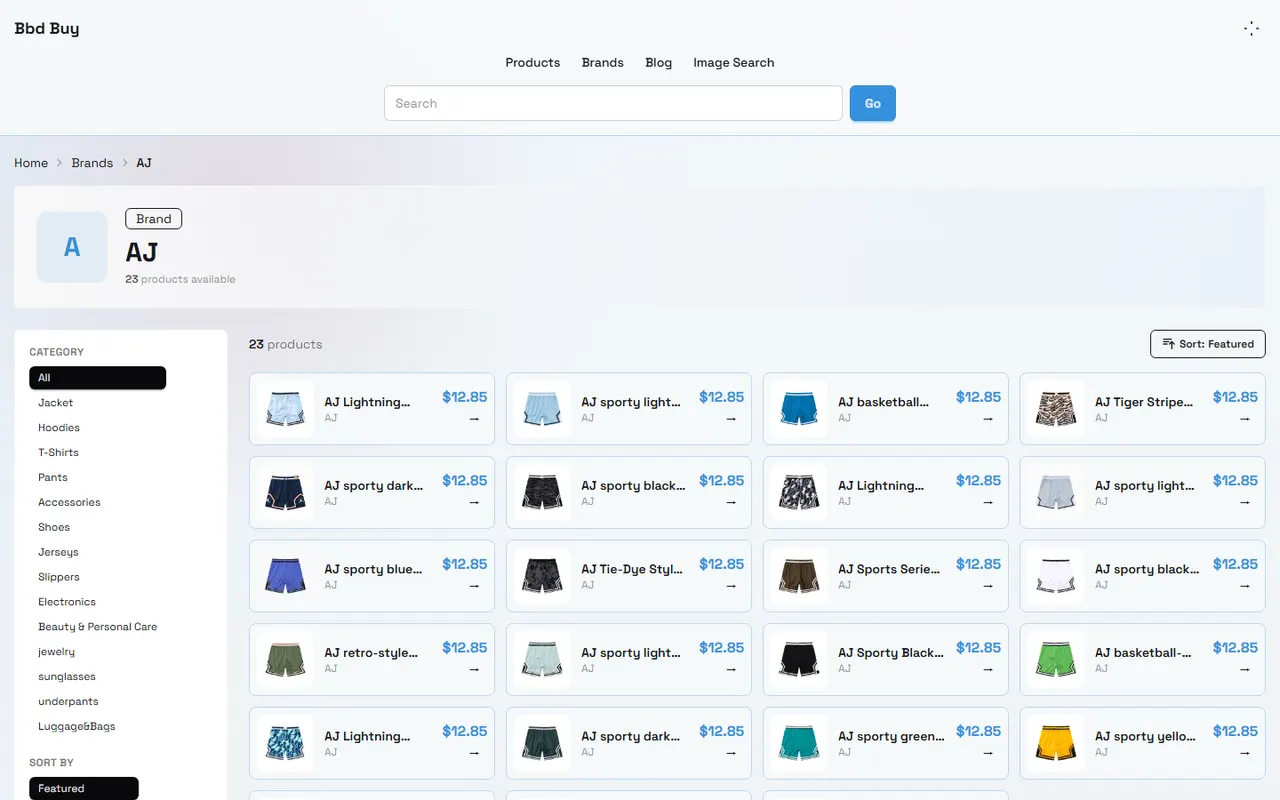
Figure: Organize room product candidates with budget, specification, and priority fields.
Break Down Budget Tasks for Room Makeovers First
Don't open a spreadsheet and start filling in product names right away. Break down room purchasing into four tasks to more easily spot budget gaps:
Identify the functions you need to buy for, such as lighting, storage, desk surface, seating, or decor.
Record verifiable conditions for each product, such as dimensions, color, material description, installation method, and applicable space.
Calculate costs beyond the product price, such as shipping, possible service fees, taxes, or return/replacement costs.
Sort by necessity, budget impact, and installation risk, rather than buying in the order search results appear.
It's recommended to set a total budget first, then allocate sub-budgets for each room or function. For example, you could set separate limits for bedroom storage and desk lighting; if a high-priced item takes up most of the budget, the spreadsheet should immediately show whether it's worth sacrificing other items.
🧭 The first column of your budget sheet should not just be "product name," but "the problem to solve." "Increase bedside storage space" is better for comparison than "buy a certain cabinet," because it allows you to evaluate candidates of different sizes and structures.
How bbdbuy Web-Based Spreadsheet Discovers Candidate Products
When browsing on bbd-buy.net, treat the web-based Spreadsheet as a candidate pool, not a final order. Start from room function or product category, then filter for pages that open product details and provide clear names and sufficient specification info.
For each candidate, record at least the following:
Product name and product page identification info
Observed price, currency, and verification date
Visible dimensions, color, material, or capacity description
Current purchase or inventory status shown on the page
Whether images help judge structure, but don't infer material or quality guarantees from images that the page doesn't specify
The room problem this product solves
Risks that need further confirmation
If a page jumps to a blank page, tab, error page, or has only images without enough text information, don't treat it as a valid candidate. Search result titles cannot replace the product detail page. For prices, inventory, or purchase status, re-verify at the time you're ready to order, not relying on old records.
After discovering candidates on bbd-buy.net, the actual purchase process should be based on the available information shown on the product page, cart, and checkout page at that time. The spreadsheet's role is to keep comparison evidence, not to replace the platform's real-time status.
How Google Sheets Builds Budget, Specification, and Priority Columns
Google Sheets is good for collaboration, filtering, and continuous updates; a web-based Spreadsheet is better for quickly viewing candidate cards and organizing findings. Whichever tool you use, keep field names consistent to avoid maintaining the same facts in two places.
Field | Recording Method | Purpose |
|---|---|---|
Room and Function | Bedroom, study, storage, etc. | Judge if it solves a clear problem |
Product and Page | Product name, page identification info | For re-verification |
Specifications | Dimensions, color, material description, installation conditions | Judge if it fits the space |
Price and Date | Value, currency, verification date | Avoid treating old price as current |
Cost Notes | Shipping, tax, service fees, etc. | Estimate total spending |
Priority | Must-buy, optional, paused | Control budget order |
Risk and Next Step | Items to confirm | Prevent ordering without verification |
It's best to record monetary amounts separately, rather than writing "product price plus shipping" as one untraceable total. You can use formulas to calculate subtotals, room totals, and budget differences; if a cost is temporarily unknown, mark it as "to be verified" rather than filling in a seemingly precise estimate.
Priority should also have clear criteria. Must-buy items are usually those essential for basic use of the room; optional items improve experience but don't affect use; paused items are candidates with unclear specifications, price, inventory, or installation conditions. This classification reduces impulse buying better than sorting by price alone.
Comparing Multi-Product Cards and Multi-Row Records for Verification
Multi-product cards are good for quick browsing because images, titles, and prices are concentrated, making it easy to find similar candidates. But cards often aren't precise enough for calculations, especially when multiple colors, sizes, or bundle options share one product page.
Multi-row records are better for budgeting and verification. Each row represents one clear product option or variant, with size, color, price, and status recorded separately. Don't write "different sizes of the same product" in one cell, because it becomes hard to tell which price corresponds to which specification.
You can verify in this order:
First check if they belong to the same function; don't directly compare decor items with load-bearing storage.
Then check dimensions and installation conditions, and exclude candidates that won't fit the target space.
Then check color, quantity, and bundle contents to confirm you're comparing the same purchase unit.
Finally compare prices and additional fees, and re-check the page status.
If two products can't be compared with the same units—for example, one is sold individually and another as a set—add columns for "purchase unit" and "quantity needed to meet the need." Ultimately, you're comparing the cost to complete the same room task, not the unit price on the page.
Handling Decision Fields for Size, Color, and Installation Conditions
Room product dimensions must correspond to the actual on-site room dimensions. It's recommended to record the available space's length, width, and height, plus extra distance needed for doors opening, drawers pulling out, wiring, and passage. Page dimensions are only the product's own parameters; they don't automatically prove it fits your room.
For colors, don't just record "black" or "white." If the page provides a specific color name, record it as written, and keep a reminder that "screen display may vary." When multiple candidates have similar colors, you can add columns like "coordination with existing furniture" and "replacement difficulty," but don't disguise subjective preference as quality facts.
For installation conditions, at least pay attention to:
Whether wall drilling or fixing is required
Whether additional tools are needed
Whether multiple people are needed for moving or assembly
Whether there are conflicts with door frames, baseboards, outlets, or wiring
Whether the page clearly states the scope of included accessories
For installation info not stated on the page, write "not stated" rather than inferring "should be included." If installation conditions directly affect usability, downgrade the product to paused until reliable information is obtained.
How Price and Purchase Status Need Re-Verification
A budget sheet is not a static quotation. Prices, inventory, color options, delivery conditions, and settlement fees can change, so re-open the product page each time before ordering and record a new verification date.
Focus on these changes:
Is the price still in the same currency and purchase unit?
Is the selected size or color still available?
Does the product quantity meet the room plan?
Do shipping, taxes, or other fees appear at checkout?
Are there new restrictions, out-of-stock notices, or delivery conditions?
If the page only shows "from a certain price," don't treat the lowest price as the actual price for your needed specification. If a product has multiple variants, the budget should be based on the specific variant you plan to buy. If the total at checkout differs from your spreadsheet, prioritize the latest checkout record and note the reason for the difference in the sheet.
📌 Don't fill in unconfirmed inventory, ratings, materials, or after-sales conclusions just to make the budget sheet look complete. Unknown information is itself decision information; it signals that the candidate has not yet met ordering conditions.
Which Tasks Suit Website Browsing or Spreadsheet Organization
Website browsing suits discovering candidates, viewing product images, and reading visible page descriptions; spreadsheet organization suits unifying fields, comparing multiple options, calculating budgets, and recording items to verify. When combined, assign clear responsibilities: browsing collects evidence, the spreadsheet organizes and supports decisions.
Tasks not suitable for relying solely on website cards include:
Comparing total budgets across multiple rooms
Calculating actual spending for different quantities and bundle combinations
Tracking price or status changes over different dates
Identifying conflicts among size, color, and installation conditions
Assigning verification tasks to family members
Also, don't treat the spreadsheet as a substitute for platform policies. Returns, delivery restrictions, taxes, and after-sales handling should follow the applicable terms publicly displayed on bbd-buy.net at the time; the spreadsheet can only record what you saw and what needs further confirmation.
Generate Room Purchase Priorities and Next-Step Checklist
After comparing candidates, generate a clear next step for each product, not just "considering." For example: confirm wall installation conditions, re-check inventory for the target color, verify checkout shipping, or pause and look for a size-more-suitable alternative.
Recommended order:
First buy essentials with confirmed size, function, and budget.
Conduct a second verification for high-cost, high-installation-risk, or incomplete-page-info products.
Delay decisions on highly decorative or easily replaceable items.
Record final choices and reasons for exclusions for future review.
Re-check product and checkout pages before submitting the order; don't rely on outdated records.
If the spreadsheet shows you're over budget, first compare functional alternatives, purchase quantities, and ordering sequence, rather than assuming cheaper products are of equal quality. If you choose to consolidate purchases, also check package volume, handling difficulty, damage risk, and single-loss risk; splitting purchases may increase fixed costs but sometimes reduces problems from per-item installation or delivery restrictions.
The final amount saved should be calculated as the verifiable difference in total spending before and after adjustments; added risks include specification uncertainty, inventory changes, installation failure, delivery restrictions, and return costs. This process suits buyers who need to compare multiple room products, collaborate with others, or continuously control budgets. It is not recommended for simple orders with very little information, immediate purchase necessity, or already clear product differences. ✅
Agent Platform Shopping FAQ
1. What steps should I take to evaluate item quality on bbd-buy.net?
To judge product quality on bbd-buy.net, examine the QC photos instead of trusting factory images alone, since those are often edited. Use the QC pictures to check that the item matches your detailed expectations before you commit to buying it. Additionally, steer clear of products with unusually low prices, as they tend to have poor quality.
Browse our latest products and find your next favorite item.